How to Get a YouTube Transcript: The Ultimate Guide for 2026
Need to turn a video into text? Learn how to get a YouTube transcript instantly using built-in features and professional extraction tools. Perfect for students and creators.
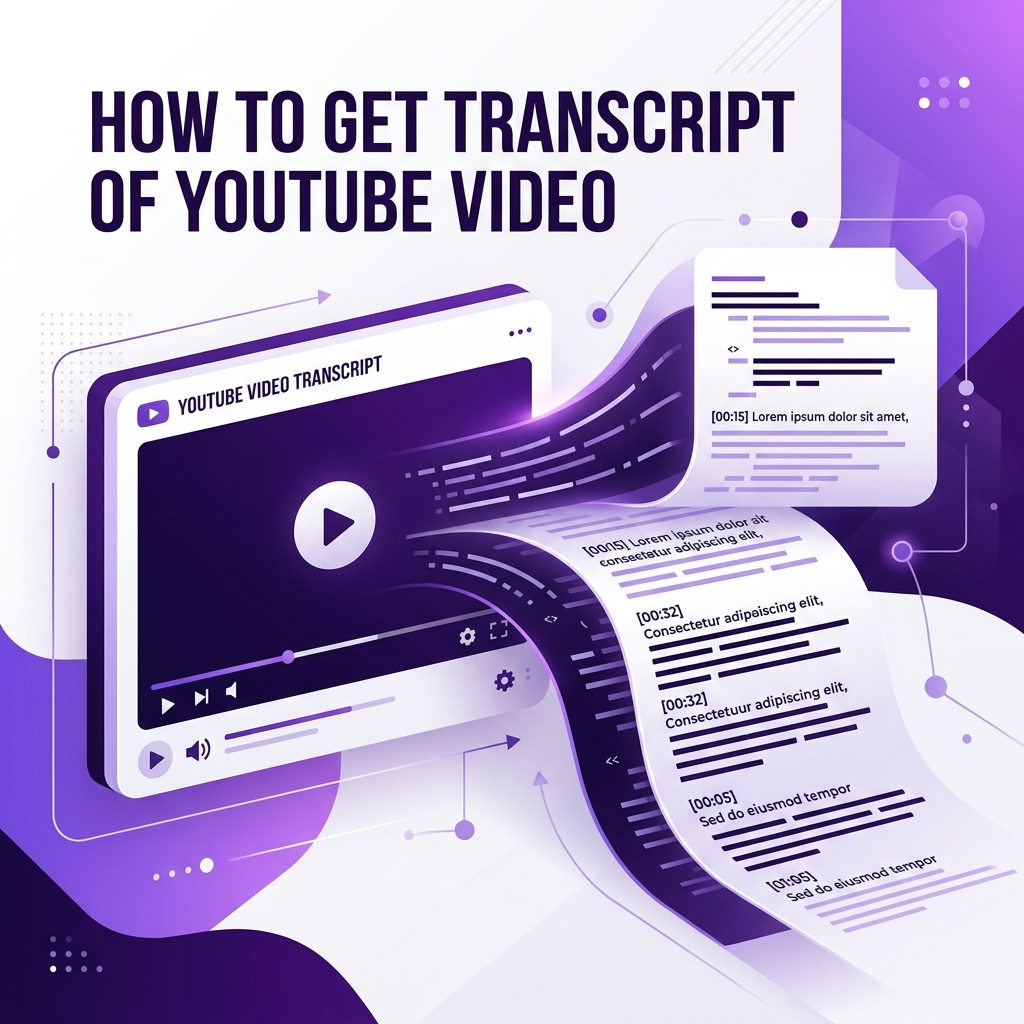
Why You Need YouTube Transcripts in 2026
In the modern creator economy, text is just as important as video. Whether you're a student transcribing a lecture, a researcher gathering qualitative data, or a content creator repurposing video into blog posts, having a clean transcript is the foundation of efficiency. Transcripts allow for quick scanning, easy quoting, and significantly better accessibility for all users.
Method 1: The Native YouTube 'Show Transcript' Feature
YouTube's built-in transcript feature is the first place to look. On a desktop browser, click the three horizontal dots (...) below the video title and select 'Show Transcript'. This opens a panel on the right side of the screen. While convenient, this method often includes time-stamps that are difficult to strip out and the text formatting is frequently messy, making it hard to use for professional purposes.
Method 2: Using Transcriptafy for Clean, Formatted Text
For those who need a professional-grade extraction, Transcriptafy is the superior choice. Simply paste the video URL into our generator, and we'll pull the official caption data directly from YouTube's servers. Our tool automatically cleans up the text, removes unwanted noise, and provides a perfectly formatted block of text ready for your notes or CMS.
Creative Use Cases for Video Transcripts
Once you have your transcript, the possibilities are endless. Many creators use transcripts to generate SEO-optimized blog posts, create Twitter (X) threads from their videos, or even build searchable knowledge bases for their audience. For students, transcripts are a lifesaver for Ctrl+F searching through hours of lectures to find that one specific mention of a key concept.
The Transcriptafy Advantage
Why thousands of professionals trust our utility platform every day:
- checkInstant extraction with zero waiting time
- check100% privacy with no data storage
- checkHD asset support for all YouTube formats
- checkMobile-first design for working on the go
Article FAQs
Everything you need to know about our YouTube tools.
Try it yourself for free.
Experience the fastest YouTube content tools online. No registration required.